Interactive prototype — tap a screen name, or tap a highlighted job card to open Tech Assist.
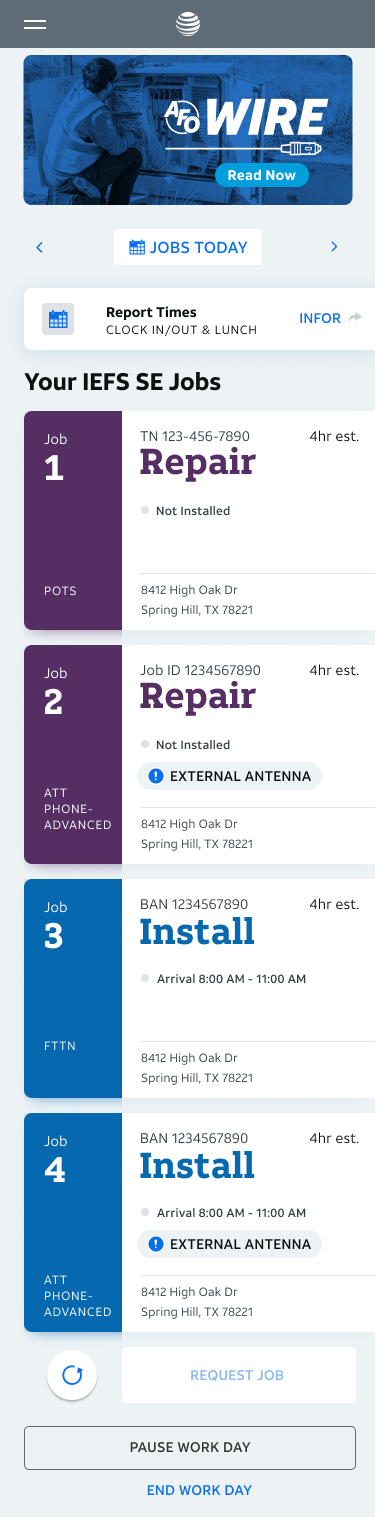
Worklist
The technician's home screen on mobile, shows current jobs organized so the day's workload is scannable at a glance from any device.
Atlas is a modernized ticketing platform for AT&T Technicians that focuses on efficiency and usability as the center of its design to give technicians an easy interface to work with while building the network. To give technicians maximum flexibility, Atlas was designed in both a responsive web and a iOS Native capacity. This ensures technicians are able to use the platform anywhere, on any device, seamlessly.
For the responsive web component of Atlas, I am the lead UX designer for multiple technician groups, while for iOS Native, I am a senior designer involved in multiple projects to enhance and develop features.
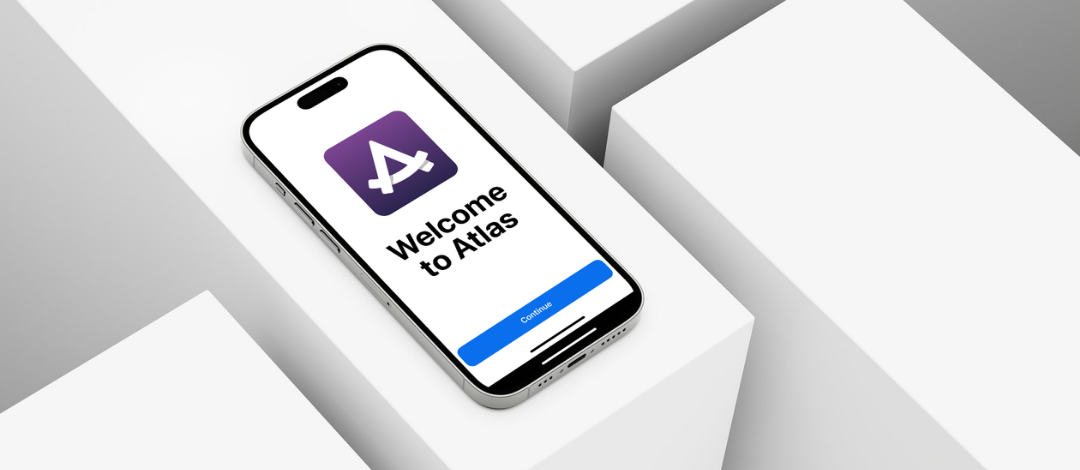
Atlas is used by technicians in a variety of ways on a variety of devices, so flexibility was the primary focus. To accomplish this, Atlas was designed in both responsive web, and native iOS capacity.
This resulted in a robust platform that works in any way the technicians may need.
The technicians that use Atlas have a wide variety of tasks and responsibilities within their workload. They work on computers, mobile devices, and occasionally iPads, depending on the use case.
To allow them to be most successful, every feature and design was created with all three screens in mind. Depending on where in the workflow they are, the primary screen being used my be different, so certain features were designed to be mobile first and converted to larger screens, while others were desktop initially then converted to mobile.
Designing for mobile first helped me learn to think differently because it forced me to focus on creating clean, usable designs and make creative choices to give users maximum functionality without cluttering the interface.
- Worklist
- The technician's home screen on mobile, shows current jobs organized so the day's workload is scannable at a glance from any device.
Designing a responsive iOS application was the next step in progressing Atlas into a more capable next-generation platform. iOS Native allows for more flexibility in design and functionality because of extended gesture capabilities, giving more room creative design solutions to be implemented.
These features were my first experience working in the Native space and it was very fun to start to rethink how designs can be done when given extra freedom. Some of the features were translations from web to iOS, and because of this, I was able to see the direct comparison between the two, which helped me learn their similarities and differences.
These additional capabilities within Native allowed me to create a more intuitive and engaging user experience within the features I designed.
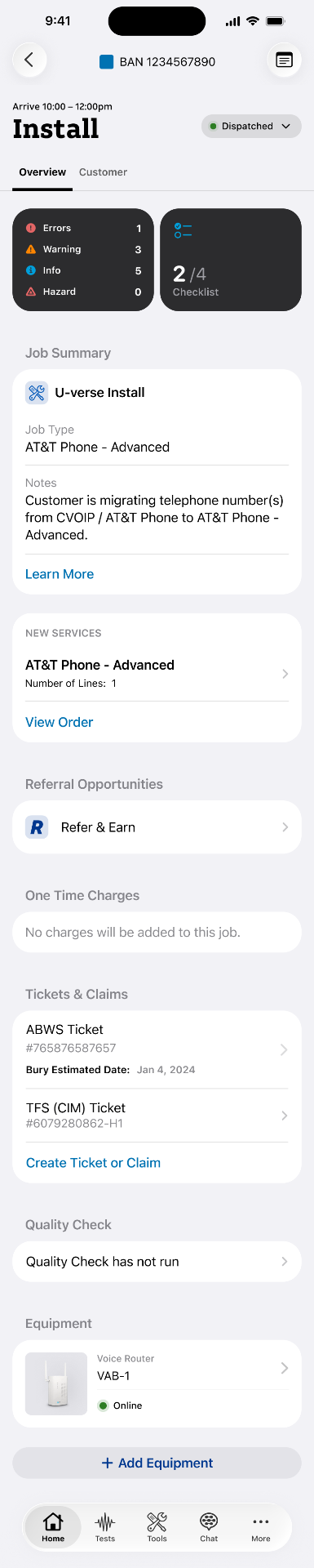
- Job Overview
- The job overview screen gives technicians a clear summary of the ticket, including customer info, scheduled tasks, and equipment needed. Designed with iOS conventions to feel familiar and quick to scan on the go.